How it's built
Composing the libraries
How one game drives SkySystem, WaterSystem, GrassSystem and WeatherSystem together. NatureGL Sky is the light source, NatureGL Water owns the render pipeline, NatureGL Grass owns the wind, and NatureGL Weather is layered on top.
| Library | What the island uses it for |
|---|---|
| NatureGL Sky | Time of day, sun, moon and stars, volumetric clouds and their shadows, the sky env map, the light rig (bindLights), and patchMaterial for cloud shadows on the game's own materials |
| NatureGL Water | The FFT ocean, bathymetry-aware shore waves and foam, caustics on the terrain, reef and sea grass, underwater fog and light shafts, buoyancy and wake for the boat, and the HDR render pipeline (water.render()) |
| NatureGL Grass | The grass field, the shared wind field (palms, trees, ferns, banana plants and the sea-grass surge all sway with it), trampling, scatter layers for bushes, rocks, flowers, beach tufts and shells, leaf texture and translucency |
| NatureGL Weather | Rain mode: rain, splashes, lightning and wet surfaces |
#NatureGL Sky: the light source
this.sun = new THREE.DirectionalLight(0xffffff, 3);
this.hemi = new THREE.HemisphereLight(0xbfd8ff, 0x6b5a40, 1);
scene.add(this.sun, this.sun.target, this.hemi);

this.sky = await SkySystem.create({
  renderer, scene, camera, quality: q.sky, qualityOverrides: q.skyOverrides,
  preset: 'partlyCloudy', autoExposure: true,
  maxExposure: 2.4, nightExposure: this.nightExposure,   // 5
});
this.sky.bindLights(this.sun, this.hemi, { distance: 150 });
bindLights drives the game's sun and hemisphere from the sky every frame, by day and by night. Cloud shadows reach the game's own materials through sky.patchMaterial(material): the terrain, the palms and trees, the village, the boat, the props, the sea grass, the fish, the whale, the birds and the crabs.
#NatureGL Water: the ocean and the pipeline
this.water = await WaterSystem.create({
  renderer, scene, camera, quality: q.water, preset: 'tropical',
  bathymetry: { heightAt: T.heightAt, bounds: T.bounds },
});
this.water.setSky(this.sky, { moonIntensityScale: 1 });
// the sky re-creates its env / shadow textures on quality changes
this.sky.addEventListener('quality', () => this.water.setSky(this.sky, { moonIntensityScale: 1 }));- Bathymetry is the same
heightAtthe terrain mesh, grass and gameplay use, so the shore waves break where the beach really is. setSky(sky)makes the ocean read the sky's sun, moon, ambient, env map, cloud shadow, fog colour and display exposure.moonIntensityScale: 1uses the physical moon.- Caustics are patched into the terrain and skirt (
water.caustics.patch(material)), and into the reef and sea grass. - Transparent overlays (rain, bird splashes, marine snow, lamplight streaks) go on
water.overlayLayerso they draw after the water surface.
#Exposure
The game never writes the renderer's exposure. NatureGL Water tone-maps with sky.displayExposure (already capped by maxExposure / nightExposure) times water.params.exposure, and the game sets only the second factor:
this.water.params.exposure = this.waterExposure      // the water preset's own exposure
                           * this.exposureBias       // the HUD's Exposure slider
* this._underwaterExposure(); // pins the display exposure near 1.0 under water#Render
R.toneMapping = THREE.NoToneMapping; // water.render() tone maps
this.water.render();#The optional sky post pass
game.setSkyPost(true) (or demo/?skypost) runs NatureGL Sky's post chain (height fog, god rays, clouds over geometry, bloom) over NatureGL Water's HDR render instead:
R.toneMapping = THREE.ACESFilmicToneMapping;
const hdr = this.water.renderHDR();
this.post.composite(hdr.texture, hdr.depthTexture, this.camera);
Under water the plain water.render() path is always used, because it owns the underwater grade. The post pass is off by default: over the lagoon the difference is small and the drone views are already at the 60 fps budget.
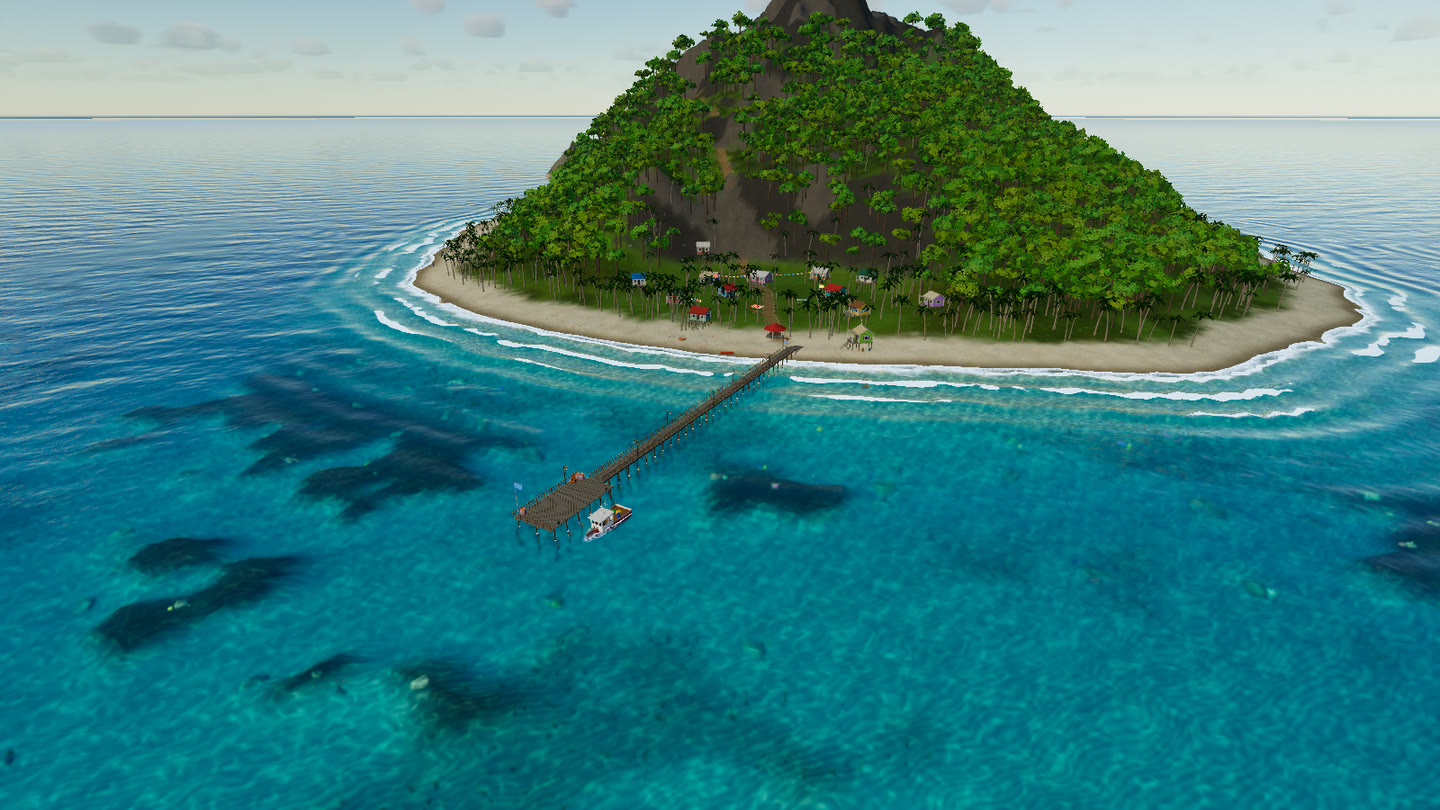
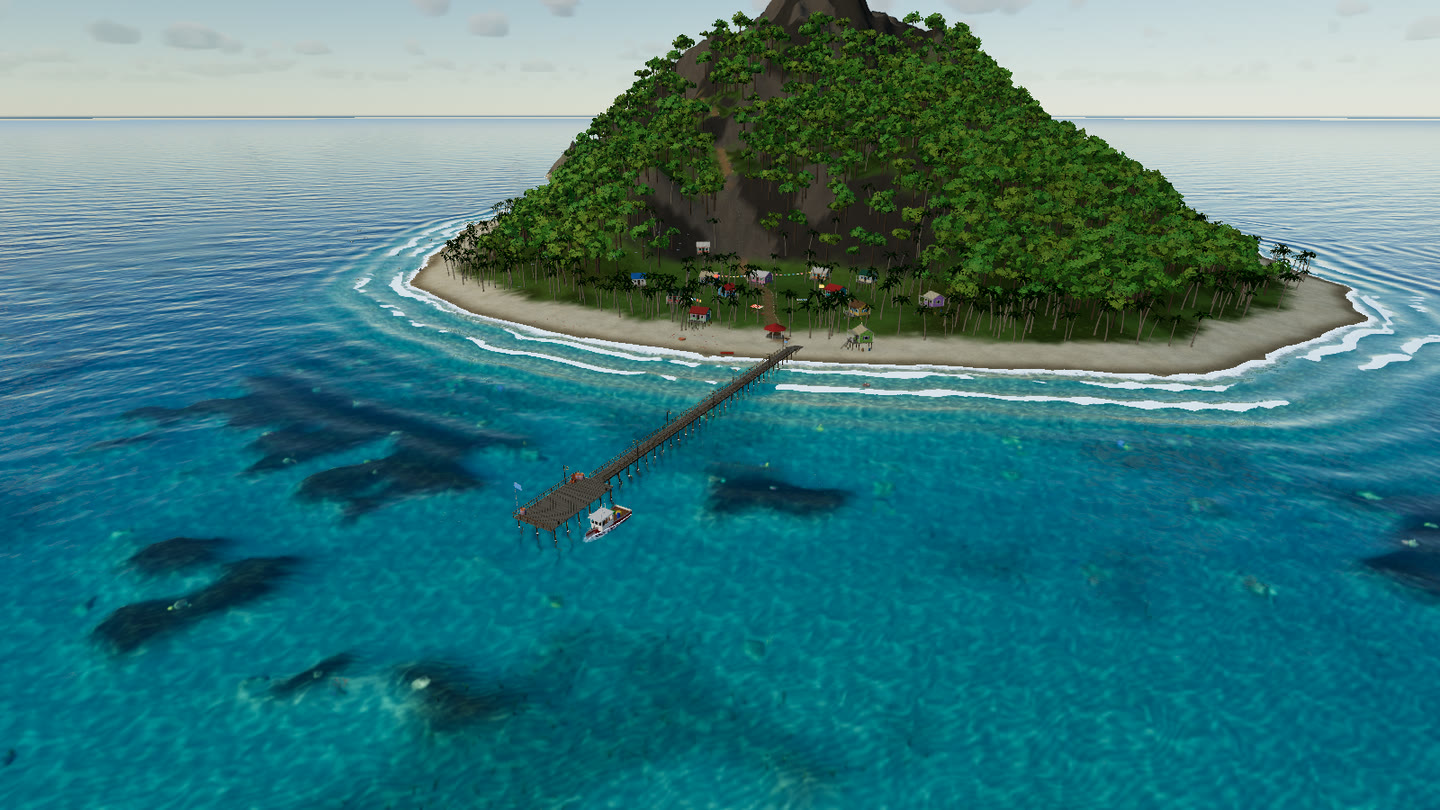
drone-lagoon at 16:36, without and with setSkyPost(true).#NatureGL Grass: grass, wind and scatter
this.grass = await GrassSystem.create({
  renderer, scene, camera, quality: q.grass, preset: 'meadow',
  terrain: { heightAt: T.heightAt, mask: T.grassMask, bounds: { minX: -300, minZ: -300, maxX: 300, maxZ: 300 } },
});
this.grass.setParams({
  grass: { season: 0.22, height: 1.15, density: 0.95, clumping: 0.7 },
  wind: { speed: 0.55, gust: 0.6, direction: 250 },
});
this.grass.bindLights(this.sun, this.hemi);
this.grass.setCloudShadow(this.sky.cloudShadow);
this.grass.patchTerrainMaterial(tm.material, { amount: 0.85 });
this.grass.addTrampler(this.walker.body, 0.55);
The grass wind is the island's only wind. The palms and trees, the undergrowth scatter layers and the village cloth and signs all read grass.wind, so a squall moves everything together. The undergrowth (ferns, banana plants, bushes, rocks, flowers, beach tufts and shells) is a NatureGL Grass ScatterSystem, streamed round the camera with the same wind and trampling.
#NatureGL Weather
Rain mode creates the WeatherSystem the first time you switch it on:
const w = await WeatherSystem.create({
  renderer: g.renderer, scene: g.scene, camera: g.camera,
  quality: g.qualityName === 'ultra' ? 'high' : 'medium',
  preset: 'clear', lights: false,
  occlusion: { size: 80, resolution: 256 },
  layer: g.water.overlayLayer,          // draw after the water surface
});
w.fog.sceneFog = false;                 // NatureGL Water manages scene.fog
w.setOccluders([g.village.group, g.vegetation.group, g.boat.group]);
w.patchMaterial(g.terrainMesh.material, {});
w.patchMaterial(g.village.material, {});
Every frame the rain is lit from NatureGL Sky's key light and the game's hemisphere, plus the village lamps:
w.setLighting({
  sunDirection: s.keyLight.direction, sunColor: s.keyLight.color, sunIntensity: s.keyLight.intensity,
  ambient: g.hemi.color.clone().multiplyScalar(g.hemi.intensity),
  localLights: g.village.lights,
});
w.update(dt);