Start here
Play in the browser
The full game, built with npm run build, running in this page. Click the frame to start, then click the canvas to lock the pointer.
npm run build. Click the canvas to lock the pointer, press Esc to release it, and press Tab for settings.#First minute
#Look and walk
Click to lock the pointer. Move the mouse to look, W A S D to walk and Shift to run. The prompt at the bottom of the screen always shows the keys for what you can do next.
#Walk to the boat
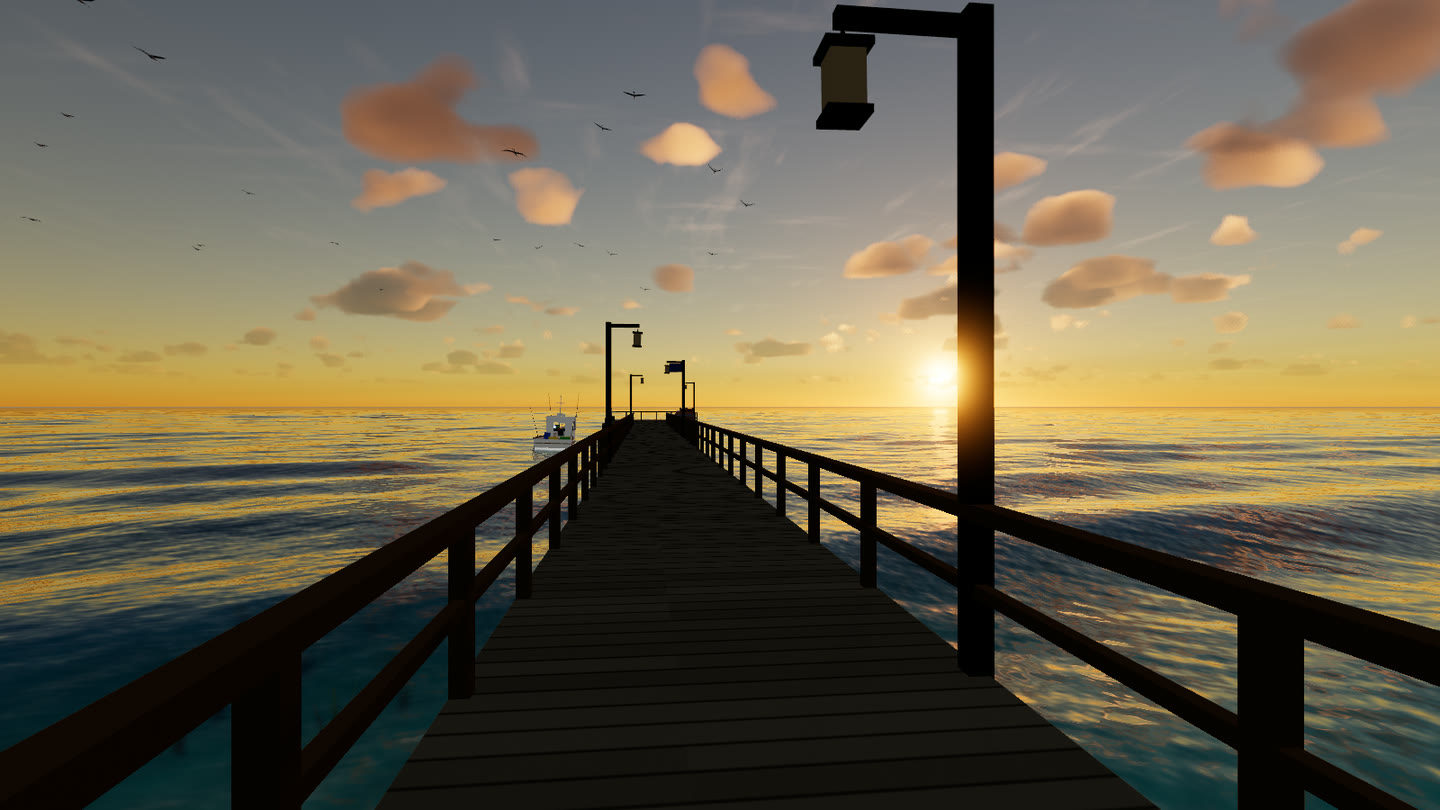
Walk to the end of the pier. The fishing boat is moored on the east side of the pier head. When you are close enough the prompt changes to E Board boat. Press E.
#Drive it
W opens the throttle, A and D steer, V switches between the cockpit and the chase camera. E steps off, onto the pier head if you are alongside it and into the water otherwise.
#Swim and dive
In deep water you swim. Hold C to dive, Space to come up and climb out at the beach or the pier head.
#Fly
Press F on foot to launch the drone. Q and E move down and up, the mouse wheel sets the speed, F lands you where you are.
#The HUD
The toolbar on the right opens seven panels. Controls lists what's in each.
| Panel | What it's for |
|---|---|
| Settings (Tab) | Quality tier, mouse sensitivity, field of view, grass / trees / wildlife layers |
| Viewpoints | Jump to any of the eleven scenarios |
| Time of day | Time slider, clock on / off, day length, six time presets |
| Photo (P) | Save the current frame as a PNG, HUD excluded |
| Sky & sea | Sky look, sea look, rain, exposure |
| Performance | Frame time, draw calls, triangles, grass blades, library tiers, wave height |
| Controls | Every key |
The top-left corner shows the fps with a sparkline (the faint line is 60 fps), the current mode and the in-game clock. A ▸ after the clock means the clock is running.
#Start somewhere else
Every scenario is a URL:
Add &quality=low on a laptop GPU. See Performance and quality.